
What is A11y and why it is important
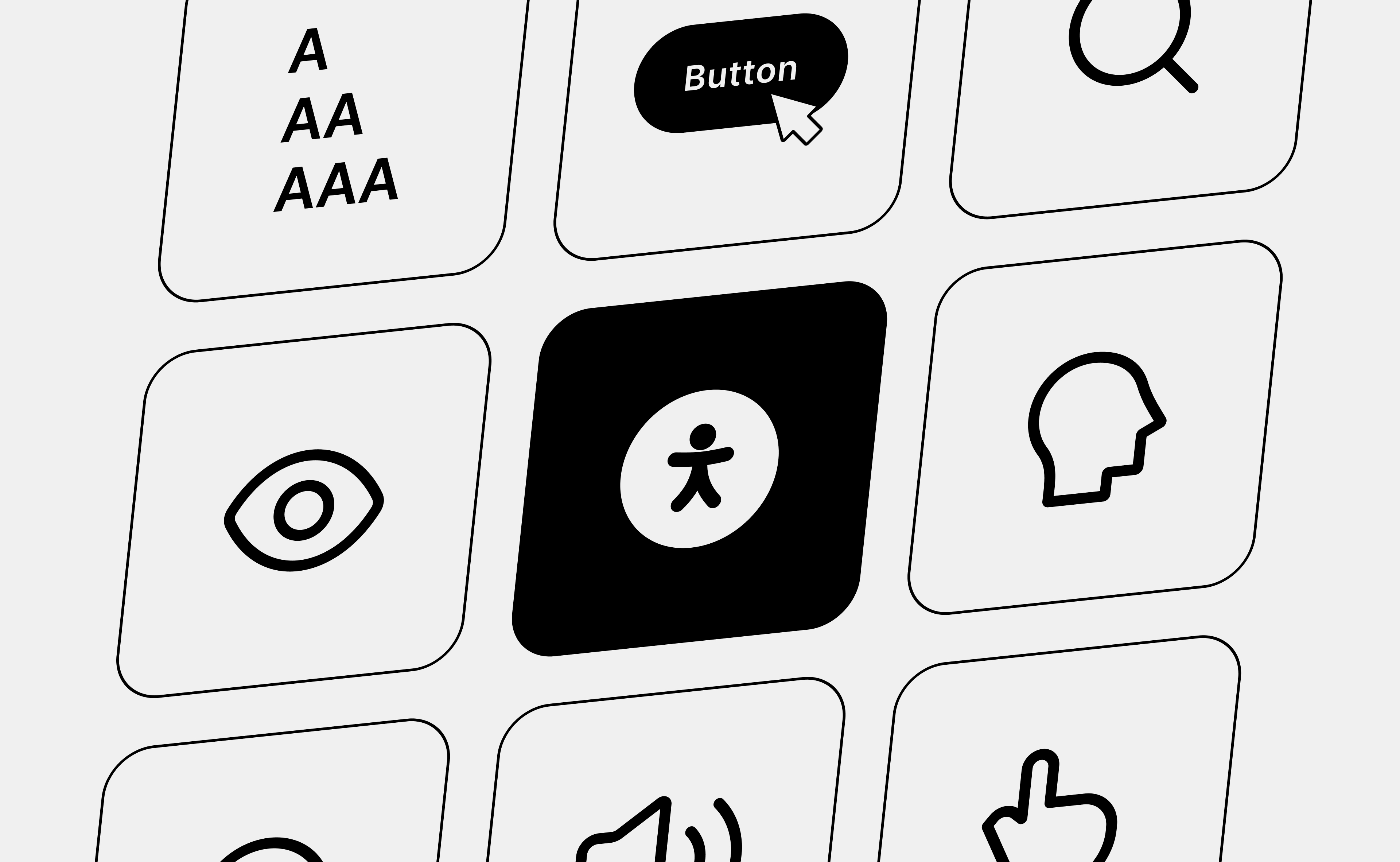
In today’s digital world, accessibility - often referred to as A11y - is more than a legal requirement; it’s a fundamental part of creating inclusive, user-friendly experiences for everyone. Whether you’re designing a website, developing an app, or producing digital content, ensuring that your product is accessible is crucial not only for individuals with disabilities but also for those with temporary challenges or anyone seeking a more efficient, seamless experience.
As we move toward more inclusive digital environments, understanding accessibility and its benefits for businesses, users, and society has never been more important. This article explores what accessibility means, why it matters, and how businesses can embrace it to stay ahead in an increasingly diverse and regulated digital landscape.
What is Accessibility?
Accessibility involves designing and developing digital products services, and environments that provide equal opportunities and inclusivity so that all can use them. Removing obstacles that restrict people's easy access to digital systems can be highly beneficial, especially for people with disabilities.
Here are some important words to better construct an accessible design.
- Disability
Disabilities can affect how people engage with digital environments. They are not always permanent - temporary or situational impairments also impact usability. For example, someone using a device with a broken arm or recovering from an injury that limits mobility or disabilities occur when external circumstances temporarily restrict a user’s ability to interact with technology - such as a parent holding a child in one arm while trying to navigate a phone with the other, or a commuter standing in a crowded bus, holding a handrail for balance and attempting to use their phone with one hand.
- Assistive Technologies
Assistive technologies are tools and devices that allow people with disabilities to access and interact with digital products. Examples include screen readers that read text aloud, magnification tools for people with poor eyesight to see better, alternative input devices, such as customized keyboards, and voice-controlled systems that allow users to operate them via voice commands.
- WCAG (Web Content Accessibility Guidelines)
WCAG represents an internationally accepted standard that enforces digital accessibility. In three levels of conformance, these guidelines provide concrete, actionable criteria for the development and design of accessible content:
- Level A: Basic accessibility requirements serve as the baseline for compliance.
- Level AA: Focuses on addressing common usability barriers and is the minimum target for legal and industry standards.
- Level AAA: The highest level, covering advanced accessibility features, though not always feasible for all content. [here can be an illustration]
Different Types of Disabilities Impacting Digital Access
Inclusive digital experience requires understanding the vast range of disabilities that affect how an individual interacts with technology. Each disability impacts a user in a different way, demanding solutions that can be well-suited to provide equality.
1. Visual disabilities
Visual impairments result in either the limitation or alteration of vision and make it difficult to engage with text, images, or even design elements.
- Blindness: Users rely totally on assistive technologies such as screen readers to navigate and interact with digital content. Meaningful alt text for images, logical document structure, and support for keyboard navigation are all essential.
- Low Vision: People with partial vision may need magnifiers, zoom functions, or high-contrast modes. Consistent layouts and scalable fonts can make a big difference in usability.
- Color Blindness: Users who have color vision impairments might not see differences in specific colors, or be able to distinguish between the meanings of the colors. Design with appropriate contrast and never rely upon color alone to convey important information.
2. Auditory Disabilities
Auditory impairments include a wide range of hearing challenges, from partial hearing loss to complete deafness.
- Hearing Impairments: Any person with reduced hearing shall face problems with audio material. Providing subtitles, providing transcripts for videos, and visual indications for auditory cues ensures inclusion.
- Deafness: For totally deaf users, captions and sign language interpretation in multimedia can be essential. Alerts or notifications should also have the option of non-auditory notifications, such as vibration or visual signals.
3. Cognitive Disabilities
Cognitive and motor impairments (described in the next paragraph) are not limited to specific medical conditions - they can also affect older adults, who may experience natural declines in memory, attention, and motor skills. Designing with accessibility in mind benefits not only people with disabilities but also the aging population.
- Learning Disabilities: Dyslexia, for example, makes it extremely hard to read text. Simple and clear language, readable fonts, and supportive tools such as text-to-speech will be helpful.
- Memory-related problems. Users with poor memory can get confused by complex routes or multi-step processes. Simple workflows, a step-by-step guide, and a view of the workflow will solve this.
- Attention Deficit: Flashing features or too many animations can be distracting. A clean, uncluttered design that lets the user control dynamic content makes it more usable.
These challenges aren't limited to people with diagnosed conditions. Older adults commonly experience age-related shifts in memory, attention, vision, and motor control - which is exactly why designing for accessibility benefits a far wider audience than it might first appear.
4. Motor Disabilities
Motor impairments affect the ability to interact physically with input devices, such as a mouse or keyboard, or touchscreen.
- Limited mobility: Diseases like arthritis or paralysis might limit hand movement, making it unable to perform accurate movements. Other alternatives could include voice
- Tremors or Involuntary Movements: Users with Parkinson's disease find it difficult to manage small buttons or complex gestures. Design large, easily clickable buttons and provide single-tap interactions.
5. Speech Disabilities
Speech disorders make verbal communication difficult and limit interaction with voice-based systems.
- Conditions Affecting Speech: Aphasia or stuttering may prevent users from effectively using voice commands. Providing options for text-based input, in addition to voice recognition, ensures broader usability.
- Non-verbal individuals: Those who cannot speak may rely on alternative communication devices. Such assistive technologies must be compatible with the system.
This diversity of disabilities underscores the need for design that ensures digital products are for every user. Businesses can make platforms truly inclusive by including accessibility features such as screen readers and subtitle support, alternative navigation options, and simplified workflows for every user.
Accessibility Across Digital Environments
Accessibility in the digital realm is not a one-size-fits-all solution. Different kinds of platforms require specific considerations for equitable access by users with various needs. Here's how accessibility principles apply to different digital environments in detail:
- Websites: Must include screen reader compatibility, alternative text for images, sufficient color contrast, and adaptable layouts.
- Mobile & Desktop Apps: Features like voice control, scalable fonts, and touch-friendly interfaces enhance usability.
- Documents (PDFs, Word, Presentations): Proper heading structures, alt text, and accessible tables ensure readability.
- Multimedia (Videos, Audio, Animations): Captions, transcripts, and audio descriptions make content more inclusive.
- Interactive Kiosks & Terminals: ATMs, ticket machines, and self-service stations should support text-to-speech, braille keyboards, and easy navigation.
Properly integrating user-centric solutions through thoughtful implementation across different environments brings out accessibility across digital environments. This would make business sites in the digital environment accessible by proactively ensuring their offerings are inclusive for people with disabilities while enriching users.
The Importance of Accessibility for Businesses
Accessibility is not only a moral obligation but a strategic business imperative. As the digital ecosystem grows, it has become critical for organizations to ensure inclusivity to stay competitive, compliant, and customer-centric. Globally, governments are tightening up the rules to implement equitable digital access for all. Their rules require businesses to offer products and services that persons with disabilities can use easily.
For example:
- EU Accessibility Act (now in effect as of June 2025): The European Union now requires businesses to ensure equal digital access across public and private sectors - making accessibility a legal obligation, not just a best practice.
- Americans with Disabilities Act (ADA): While originally written before the digital age, the ADA has been applied to websites and mobile apps through ongoing legal precedent, making digital accessibility a legal expectation for businesses operating in the US.
- Section 508: The U.S. federal agencies are obligated by law to ensure that their digital services comply with accessibility standards, serving as a model for private business entities.
Non-compliance with standards results in penalties, lawsuits, and reputational costs. On the other hand, responsible incorporation of accessibility into business practices yields concrete value that is more than just compliance, making businesses competitive and inclusive; hence, the benefits for them include:
1. Increased Customer Loyalty
- Inclusive products tell customers a brand cares about diversity and cares about them.
- Access builds trust and helps brand perception. Therefore, building relationships with customers will more likely build loyalty.
2. Expanded Market Reach
- Over 1.3 billion people - one in six people worldwide has some form of disability. Accessible digital products open this previously underserved demographic, thereby expanding any business's market significantly.
- Accessibility also caters to aging markets, where older populations have either impaired vision, hearing, or mobility, expanding market space even further.
3. Risk Mitigation
- Litigation against inaccessible businesses is increasing in recent times. Major cases like a lawsuit filed against Domino's Pizza and H&M over their inaccessible website depict risks.
- Proactively adopting accessibility helps avoid litigation-related issues that harm a company's financial and reputational well-being.
4. Cost Efficiency
- It is much cheaper to incorporate accessibility from the very design stage rather than waiting until later in the development process and retrofitting a solution.
- Early compliance cuts the chance of costly rework, lawsuits, and penalties.
5. Enhanced User Experience
- Accessibility features enhance usability for everyone, not just users with disabilities.
- For instance, captions help the consumer watch videos in noisy environments, and keyboard navigation enables power users to work more quickly.
By prioritizing accessibility, businesses not only fulfill their legal obligations but also instill a culture of accessibility that drives growth, innovation, and customer satisfaction. An investment in accessibility is an investment in a fairer and more successful future.
Design Studio’s Approach to Accessibility
At Kellton EU, we are committed to ensuring that our products and services are accessible to all users, regardless of ability or disability. We take a comprehensive, proactive approach to accessibility throughout the entire product lifecycle, ensuring that every stage from design to post-release meets the highest standards of inclusivity. Here's a breakdown of our accessibility approach:
1. Design Phase:
In the design phase, we lay a strong foundation for accessibility. Our team follows the latest accessibility guidelines and best practices to ensure that our products are easy to use by everyone, including people with disabilities. Some of the key elements we focus on during this phase include:
- Screen Reader Compatibility: Interfaces are designed in consideration with screen readers and the clarity of communication to the users with impaired vision in regards to text, images, and navigational elements.
- Color Contrast and Readability: A good contrast between the text and the background is followed to facilitate the usability for the people with color blindness or having low vision. Also, we make sure that fonts and icons are legible and properly sized.
- Keyboard Navigation: All interactive elements should be keyboard-navigable, so that users with mobility impairments who may be reliant on keyboard shortcuts can interact with our products.
2. Testing Phase:
Once the design is implemented, we conduct rigorous accessibility testing to ensure our products meet both legal requirements and the needs of users. Our testing process includes:
- VPAT (Voluntary Product Accessibility Template): VPAT, also known as Voluntary Product Accessibility Template, is used for tracking the accessibility features of our products using a variety of tools and measuring. VPAT makes possible our demonstration of conformity to crucial accessibility standards: for instance, WCAG Web Content Accessibility Guidelines and Section 508 of the Rehabilitation Act.
- Automated and Manual Testing: We are using automated testing tools as well as manual reviews to identify and address potential accessibility barriers. Testing on multiple devices, browsers, and operating systems will be performed to ensure that it works uniformly across platforms.
3. Post-Release:
Our commitment to accessibility does not end at product launch. We believe in maintaining high standards of accessibility throughout the lifecycle of our products:
- Regular Audits and Updates: We make regular accessibility audits to ascertain the continuous need of our product as the accessibility standards of the users evolve and get new standards and regulations to comply with.
- User Feedback: We actively encourage users with disabilities to give us their input and incorporate it into the product updates and improvements.
- Ongoing Training: All our teams receive continuous training to ensure the latest best practices and technologies related to accessibility are implemented, thereby ensuring that accessibility is always top of mind for all our projects.
Incorporating accessibility into each stage of the product lifecycle is what Kellton EU does to ensure that not only are the products legally compliant but also provide an experience that is inclusive and seamless for every user, regardless of their ability.
The final thoughts
Accessibility is not optional; it is a necessity. Embracing A11y ensures inclusivity, expands market reach, and mitigates legal risks. Start your journey toward accessibility today - partner with Design Studio to ensure your digital products meet and exceed global standards.

What is A11y and why it is important?
In today’s digital world, accessibility - often referred to as A11y - is more than a legal requirement; it’s a fundamental part of creating inclusive, user-friendly experiences for everyone.
In the Age of AI, User Research Matters More Than Ever
Over the last year, conversations about the future of design have increasingly centered around tools.
Beyond Chatbots: The UX Principles Behind Trustworthy AI
Beyond Chatbots: The UX Principles Behind Trustworthy AI
Let’s talk
Fill in your details and our team will get in touch.
Or send us a message at