
Beyond Chatbots: The UX Principles Behind Trustworthy AI
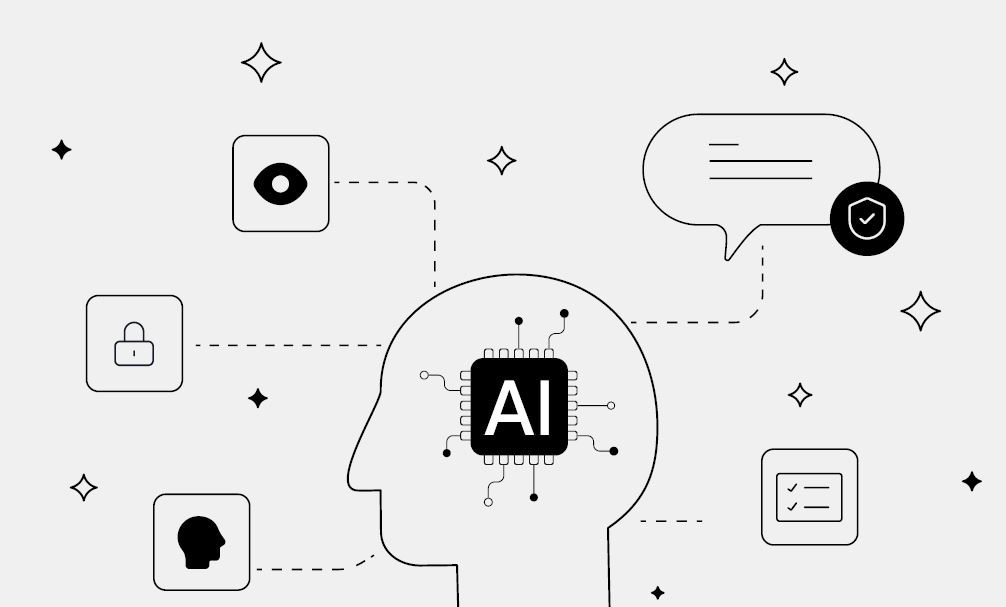
Beyond Chatbots: The UX Principles Behind Trustworthy AI
AI is no longer just a sci-fi concept or a novelty chatbot that writes a beautiful farewell for your coworker’s retirement party. It’s quietly taking over the infrastructure of our daily software. We are asking AI to manage our finances, diagnose our health symptoms, plan our diet, write our messages and drive our cars. We have a digital assistant with us all day long.
But as AI becomes more capable, a concerning obstacle has emerged with it too. It’s not a technical limitation or a lack of computing power. It’s trust.
As product designers, we oversee the entire lifecycle of a product—from initial concept to final production. We balance user needs with business goals and technical constraints to create intuitive, functional, and aesthetically pleasing products, and yet, this is no longer enough. Our ultimate design challenge is building a bridge of trust between humans and algorithms.
The Trust Problem in AI Products
Designing for AI is fundamentally different from traditional UX design. In the past, software was deterministic: if a user clicked “Button A”, “Action B” always happened. It was predictable. But AI is probabilistic. It guesses, adapts, and occasionally makes things up, and makes mistakes. This unpredictability creates a unique psychological strain on the user.
The Two Extremes of Trust
When trust goes wrong in UX, it usually swings to one of two “dangerous” sides:
- Over-Trust (Hyper-reliance): Users assume the AI is infallible. They blindly accept a flawed medical diagnosis or copy-paste buggy code without checking it. When the AI fails, the betrayal feels catastrophic.
- Under-Trust (Rejection): Users dismiss the AI entirely because they don’t understand how it works or because it made one early mistake. They revert to manual, less efficient processes, and your product loses its value.
The Goal: Our job isn't to make users trust AI blindly. It’s to help them calibrate their trust—knowing exactly when to rely on the AI and when to double-check its work.
What Users Need to Feel Confident?
Before users can trust a system, users need to feel safe. In AI-driven experiences, that confidence is reflected in these three psychological pillars:
- Ownership: “Am I still in control here, or is the machine leading”
- Predictability: “Can I guess what this thing is going to do next”
- Redundancy: “If this AI messes up, how easy is it for me to fix it”
Five Principles of Trustworthy AI UX
How do we translate those needs into actual UI elements? These are five foundational principles for designing AI experiences that feel safe and reliable.
- Design for Appropriate Transparency (The "Why")
Don't just give an answer; explain how the AI got there. If a financial AI rejects a loan application, a simple "Denied" breeds resentment. Showing the data points used (e.g., credit history, debt-to-income ratio) builds acceptance. - Make Imperfection Graceful
AI will make mistakes. Instead of hiding them, design for them. Provide easy "undo" buttons, make it simple for users to edit AI-generated content, and use humble copywriting (e.g., "Here is a draft to get you started" instead of "Here is the perfect solution"). - Keep the Human in the Loop
The best AI experiences are collaborative, not automated takeovers. For high-stakes decisions (like publishing a post, sending an email, or spending money), always require a final human confirmation. The AI proposes; the human disposes. - Avoid the "Black Box" (Contextual Controls)
Give users tools and controls to direct the AI. If a music app recommends a weird song, give the user an immediate way to say "Less of this" or "Why am I seeing this?" Setting boundaries makes the AI feel like a tool, not a boss. - Match the UI to the Certainty Level
If the AI is only 60% sure about a recommendation, don't present it with absolute certainty. Use visual cues—like data ranges, confidence scores, or softer language—to communicate probability.
Trust in Action: The Good and the Bad
Let’s look at how these principles play out in the real world.
The Approach | Good Implementation (Builds Trust) | Poor Implementation (Destroys Trust) |
|---|---|---|
Writing Assistants | Notion AI / Grammarly: Highlights suggestions and lets you accept, reject, or tweak them with one click. You stay in control. | Autocorrect Overdrive: Silently changes your words without telling you, forcing you to re-read text to catch its mistakes. |
Data & Analytics | Spotify Wrapper / Fitness Apps: "We noticed you've been listening to a lot of jazz lately, so we built this playlist." (Clear cause and effect). | Surprise Algorithms: Sudden, drastic changes to a user's feed with zero explanation of why their preferences were altered. |
The Future: From Tools to Teammates
As we move beyond chatbots and prompt boxes, the future of AI UX is ambient and invisible. AI will run in the background, anticipating needs rather than just reacting to commands.
To win this future, products must treat AI not as a feature to brag about, but as a teammate. And just like any good teammate, the AI needs to be reliable, communicative, and humble. By designing for trust from day one, we don't just build better products—we build better relationships between humans and technology.
What do you think? What’s the biggest challenge you’ve faced when designing or using an AI product? At Kellton, we help ambitious teams embed trustworthiness into the DNA of their AI products — through research-grounded UX strategy, transparent interaction design, and systems that put humans in control. Whether you're launching your first AI-powered experience or rethinking an existing one, we'd love to help you build something your users can genuinely rely on.
Let's design AI that earns trust — together. Get in touch →.

What is A11y and why it is important?
In today’s digital world, accessibility - often referred to as A11y - is more than a legal requirement; it’s a fundamental part of creating inclusive, user-friendly experiences for everyone.

In the Age of AI, User Research Matters More Than Ever
Over the last year, conversations about the future of design have increasingly centered around tools.
Beyond Chatbots: The UX Principles Behind Trustworthy AI
Beyond Chatbots: The UX Principles Behind Trustworthy AI
Let’s talk
Fill in your details and our team will get in touch.
Or send us a message at